Collection: Passport Scanners & OCR Readers

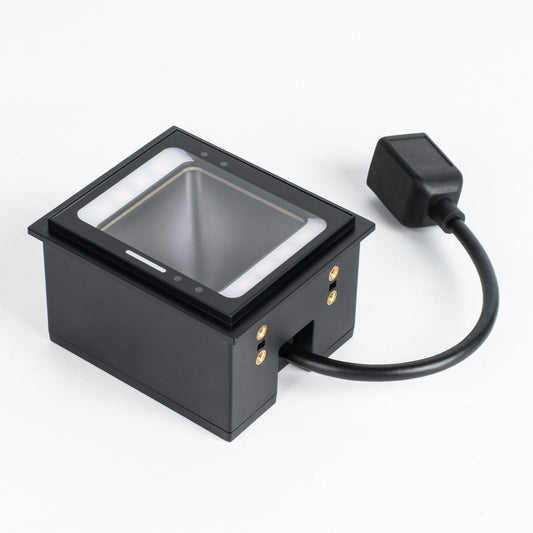
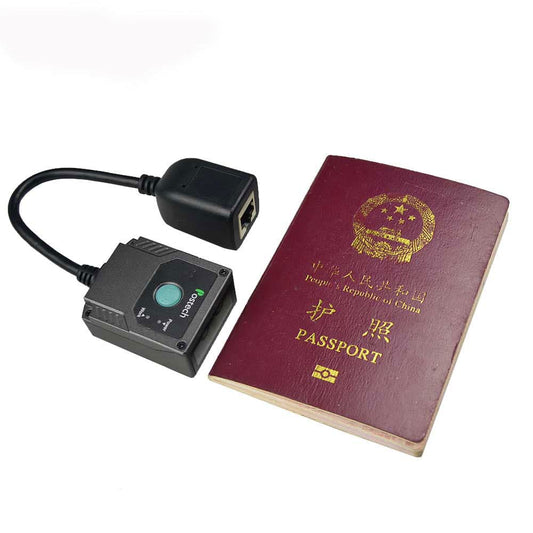
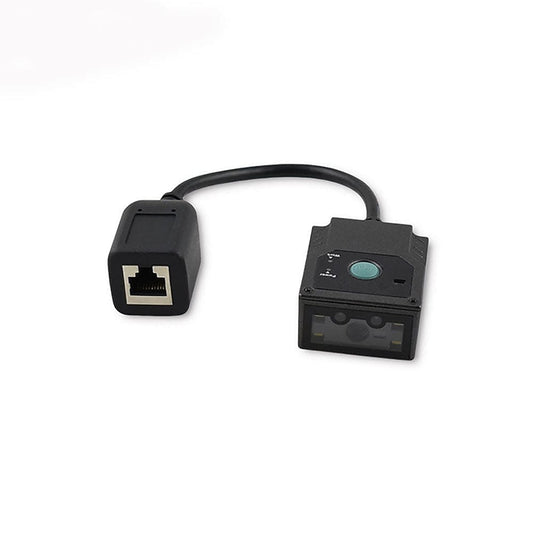
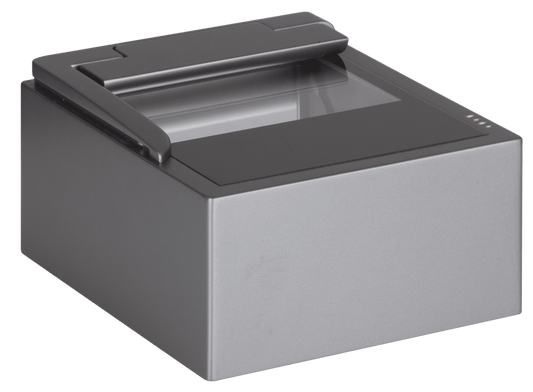
Explore passport scanners and OCR readers for hotels, self-service kiosks, identity registration, and document data capture. Our scanners can read passport MRZ information, printed text, barcodes, and QR codes for fast and accurate data entry in check-in and identification workflows.

 Passport & OCR Reading Capabilities 


Passport and OCR scanners are designed to capture information from passports, identity documents, printed text, barcodes, and QR codes. Depending on the model, they can read passport MRZ data, OCR text, 1D/2D barcodes, and codes displayed on printed documents or mobile screens for faster check-in and registration workflows.

 Key Features for Passport & OCR Scanning 

1. Passport MRZ Reading


Read machine-readable zone (MRZ) information from passports and supported identity documents for faster guest registration, check-in, and identity verification workflows.

2. OCR Text Recognition


Capture printed text from supported documents using OCR technology to reduce manual data entry and improve the efficiency of registration and document-processing applications.

3. Barcode & QR Code Reading


Read 1D barcodes, QR Codes, and other supported 2D codes from printed documents, cards, tickets, and mobile phone screens for identification, booking, and verification workflows.

4. USB Integration for Kiosks & PCs


Connect the scanner to PCs, self-service kiosks, hotel check-in terminals, and other host systems through USB for easy data transmission and system integration.

  •  1. Hotel Check-In & Guest Registration 


    Capture passport MRZ data, booking codes, QR codes, and other supported document information during hotel check-in and guest registration to reduce manual entry and improve front desk efficiency.

  •  2.  Self-Service Kiosks & Registration Terminals 


    Integrate passport and OCR scanners into hotel kiosks, registration terminals, and other self-service systems for document reading, booking verification, QR code scanning, and automated check-in workflows.

  •  3.  Government, Immigration & Public Service Offices 


    Use passport and OCR readers at immigration offices, social security offices, public service centers, and government registration counters to capture passport MRZ data, identity document information, barcodes, and QR codes for faster application processing and citizen registration.

  •  4.  Airport, Duty-Free & Travel Services 


    Support passenger registration, travel document capture, booking verification, boarding-related workflows, and customer identification at airports, duty-free stores, and travel service counters.

  • 5.  Bars, Clubs & Age Verification 


    Use passport and ID document readers in bars, clubs, casinos, and entertainment venues for customer identification, membership registration, and age-verification workflows where supported by local regulations and the selected scanner model.

  • 6.  Healthcare, Identity Registration & Document Processing 


    Capture MRZ data, printed text, barcodes, and QR codes from supported identity documents for hospitals, clinics, visitor registration, membership enrollment, record creation, and document-processing workflows.

 Passport & OCR Scanner FAQ 

1. Can the scanner read passport MRZ information?


Yes. Selected passport and OCR scanner models can read machine-readable zone (MRZ) data from supported passports and identity documents for faster check-in, registration, and identity data capture.

2. Can it read text, barcodes, and QR codes from the same document?


Depending on the model, the scanner can capture OCR text, passport MRZ data, 1D barcodes, QR Codes, and other supported 2D codes from printed documents.

3. Can the scanner be used for hotel check-in and self-service kiosks?


Yes. Passport and OCR readers can be integrated into hotel front desks, self check-in kiosks, registration terminals, and other systems requiring passport, document, barcode, or QR code data capture.

4. Can it connect directly to a PC or kiosk system?


Yes. USB models can connect directly to PCs, kiosks, and other host systems for data transmission. Interface options depend on the selected model.

5. How do I choose the right passport or OCR scanner?


Please provide the document type, required data such as MRZ, OCR text, barcode or QR code, interface, installation method, software environment, and estimated quantity. Our team can recommend a suitable model.

 Need Help Choosing a Passport or OCR Scanner? 


Tell us about your application, document type, required data, system interface, and estimated quantity. Our team can recommend a suitable scanner for hotel check-in, kiosks, government services, travel, retail, or identity registration projects.